✦ Adjust rankings to your needs
Productivity & Ergonomic Keyboards

Best Productivity & Ergonomic Keyboards for RSI Sufferer

Find the best ergonomic keyboards for RSI & carpal tunnel relief. Compare models based on split, tenting, and adjustability to reduce wrist strain.
Max price: $479
⭐ Best Match
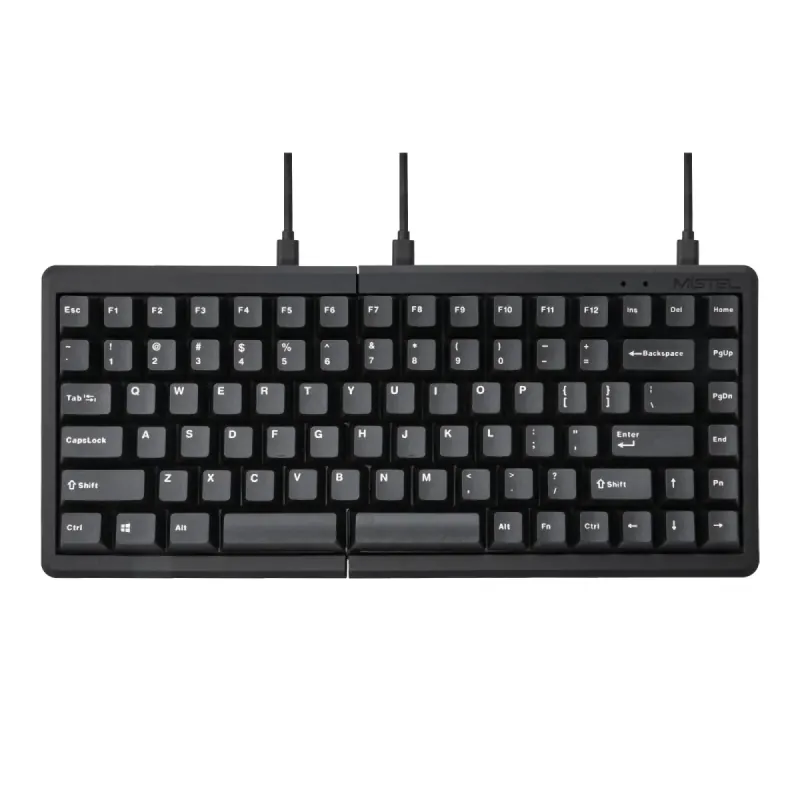
Mistel Barocco MD770 Classic Black/WF

Mistel

5.0

Mistel Barocco MD770 Classic Black/WF

Personal Match Score 82%

Price Range

$ $ $
Check Current Price →
YMDK BORNE Knob Corne4x6

YMDK

4.8

YMDK BORNE Knob Corne4x6

Personal Match Score 81%

Price Range

$ $ $
Check Current Price →
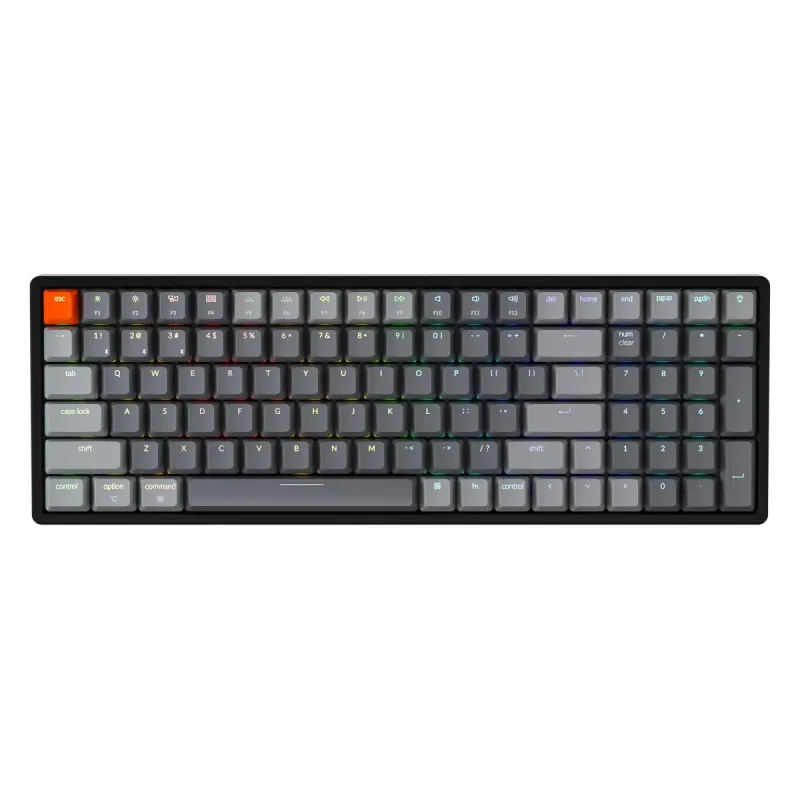
Keychron K2 75% Layout V3

Keychron

4.9

Keychron K2 75% Layout V3

Personal Match Score 80%

Price Range

$ $ $
Check Current Price →
Keychron B3 Pro 75% Ultra-Slim White Keyboard

Keychron

4.7

Keychron B3 Pro 75% Ultra-Slim White Keyboard

Personal Match Score 78%

Price Range

$ $ $
Check Current Price →
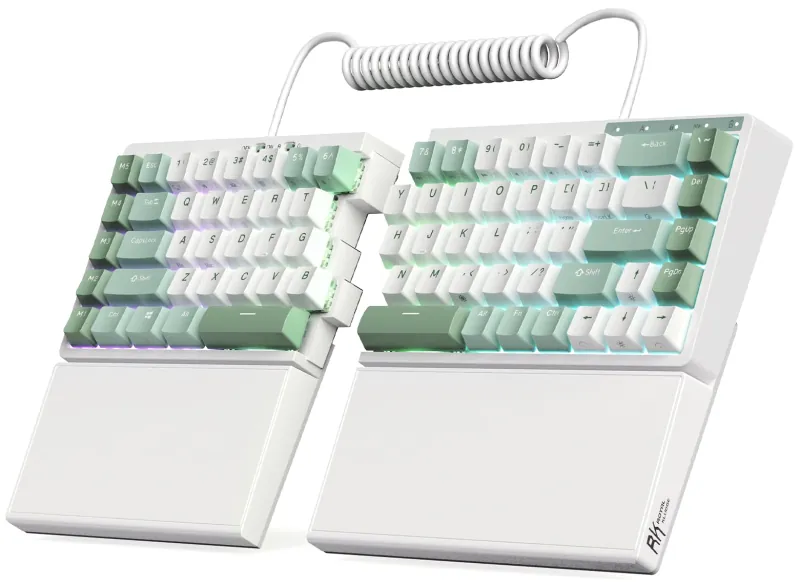
YMDK Split Corne V4.1

YMDK

4.1

YMDK Split Corne V4.1

Personal Match Score 77%

Price Range

$ $ $
Check Current Price →
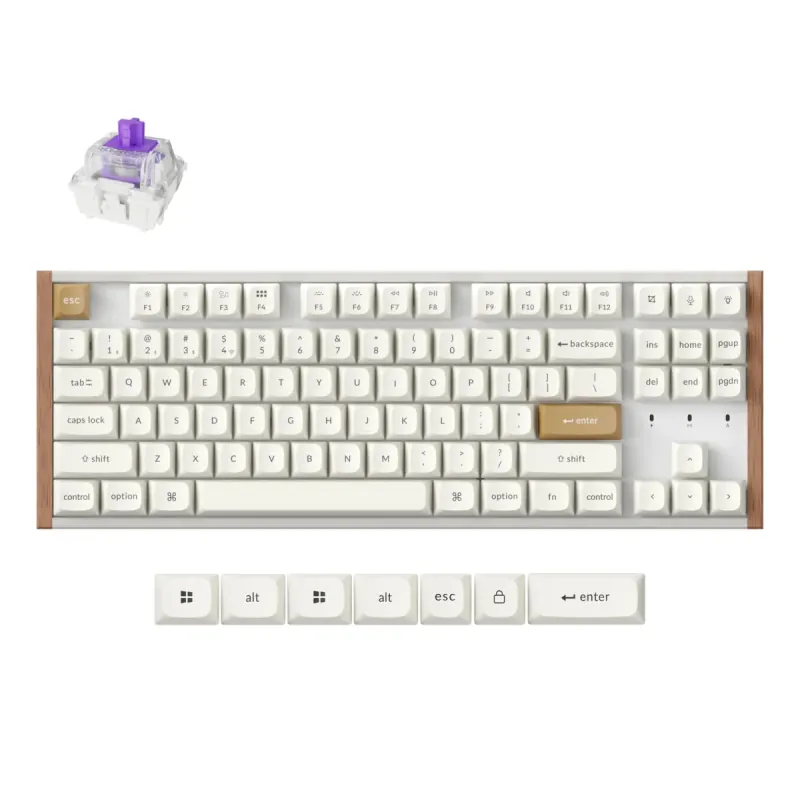
Keychron K8 HE TKL White

Keychron

4.5

Keychron K8 HE TKL White

Personal Match Score 77%

Price Range

$ $ $
Check Current Price →

If you are buying a Productivity & Ergonomic Keyboard to alleviate symptoms of Repetitive Strain Injury (RSI), your goal is to find a tool that actively reduces pain and prevents further injury. This requires a focus on three critical areas: Ergonomic Adjustability, Typing Feel & Acoustics, and Physical Footprint. Ergonomic Adjustability is the most important factor. A true split keyboard, like the top-ranked Mistel Barocco MD770, is non-negotiable as it allows you to position each half to match your natural shoulder width. This eliminates the wrist twisting (ulnar deviation) that aggravates RSI. The ability to "tent" the keyboard—angling the halves upwards—is also vital for maintaining a neutral, handshake-like wrist posture. Next, Typing Feel & Acoustics are crucial because a harsh, high-impact typing experience can inflame sensitive joints. Look for keyboards with light mechanical switches that require less force to press, reducing finger fatigue. Finally, consider the Physical Footprint. A more compact keyboard allows you to keep your mouse closer, minimizing the large, repetitive shoulder movements that contribute to neck and upper back pain. For an RSI sufferer, a keyboard is not just a peripheral; it's a therapeutic device that must adapt to your body's specific needs.

How We Rank

Our AI rankings for Productivity & Ergonomic Keyboards are generated by analyzing real-world user satisfaction from high-volume Amazon reviews and our own structured feature scoring. We place the heaviest weight on Ergonomic Adjustability, as this is the core purpose of the category, followed closely by Typing Feel & Acoustics. This data-driven approach ensures our recommendations reflect both genuine user experience and critical, hands-on evaluation.

Frequently Asked Questions

For most RSI sufferers, yes. A true split design is the single most impactful feature for reducing strain. It allows you to position each half at shoulder width, which keeps your wrists straight and prevents ulnar deviation. This natural alignment is impossible to achieve with a standard one-piece keyboard, even one with an "ergonomic" wave shape. While any ergonomic board is an improvement, a fully separable split keyboard offers the highest level of personalized adjustability for pain relief.
Yes, there is an initial learning curve that can take from a few days to a few weeks. Your typing speed will likely drop at first as you retrain your muscle memory to use the correct fingers for each key. However, this short-term adjustment is a worthwhile trade-off for the long-term benefit of reduced pain. Keyboards with a more traditional staggered layout, like the Keychron Q11, are generally easier to adapt to than those with more radical columnar or ortholinear layouts.
Not automatically. The term "mechanical" is less important than the specific switch characteristics. For RSI, you want a switch with a low actuation force, meaning it requires very little pressure to register a keypress. Light linear (like Cherry MX Red) or tactile (like Cherry MX Brown) switches are often recommended. A heavy, clicky mechanical switch can actually worsen finger and joint fatigue. The key is finding a light switch combined with an adjustable keyboard frame.
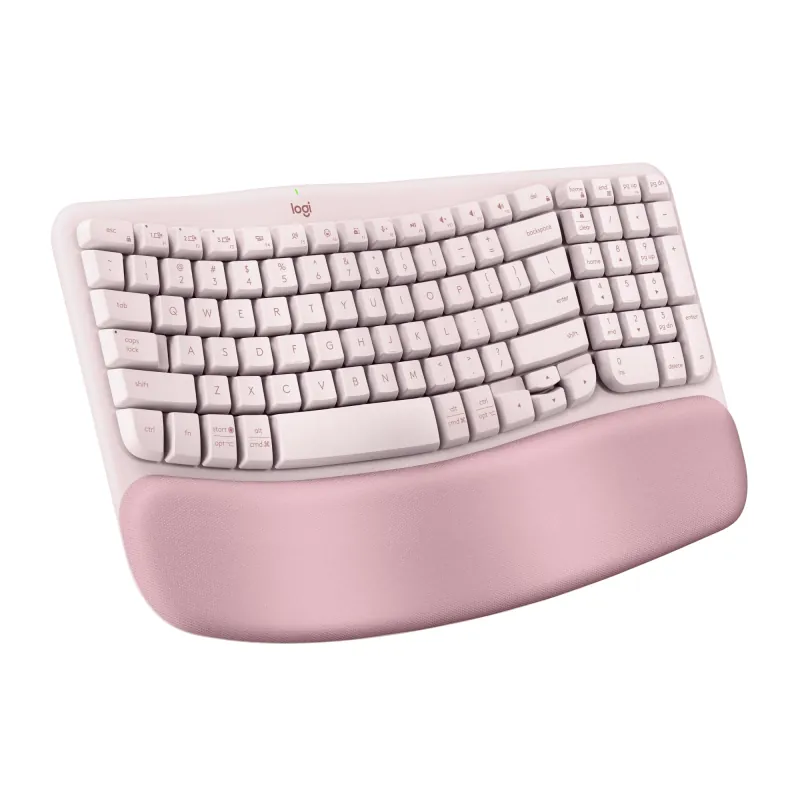
Start with a 'fixed-split' or 'wave' keyboard like the Logitech K350. These models introduce a more natural hand and wrist angle without the steep learning curve of a fully separated keyboard. While they lack the deep adjustability of premium options, they provide a tangible comfort improvement over standard flat keyboards and are an excellent, low-risk entry point into ergonomics.
Yes, if you have persistent wrist or shoulder pain. Premium keyboards justify their cost with true Ergonomic Adjustability, such as independent split halves, variable tenting angles, and negative tilt. You also get superior mechanical switches for a better Typing Feel and robust software for deep Layout Customization. Budget models often just offer a fixed curve and a mushy membrane typing experience.
Not directly for ergonomics, but for typing endurance, yes. The ergonomic benefit comes from the keyboard's physical shape (split, tenting), not the switch type. However, mechanical switches can reduce finger fatigue because they require less force to actuate and provide clearer feedback, which is a significant comfort booster over long typing sessions compared to mushy membrane keys.
For 99% of productivity tasks, no. Modern 2.4 GHz and Bluetooth connections are more than fast enough for typing, coding, and general office work. Unlike competitive gaming where every millisecond counts, you will not perceive any delay from a quality wireless ergonomic keyboard. Prioritize reliable Connectivity and multi-device switching over chasing the lowest possible latency figures.
Look for a tenkeyless (TKL) or 65% split keyboard. These designs eliminate the number pad, drastically reducing the keyboard's Physical Footprint and freeing up significant desk space for your mouse. A split design further helps, as you can position the two halves around other desk items. This smaller footprint allows you to keep your mouse closer, which is a key ergonomic benefit for your shoulder.