✦ Adjust rankings to your needs
Productivity & Ergonomic Keyboards

Best Productivity & Ergonomic Keyboards for Office Professional

Compare the best ergonomic keyboards for office work. Rankings focus on multi-device wireless connectivity and quiet, comfortable typing for all-day use.
Max price: $479
⭐ Best Match
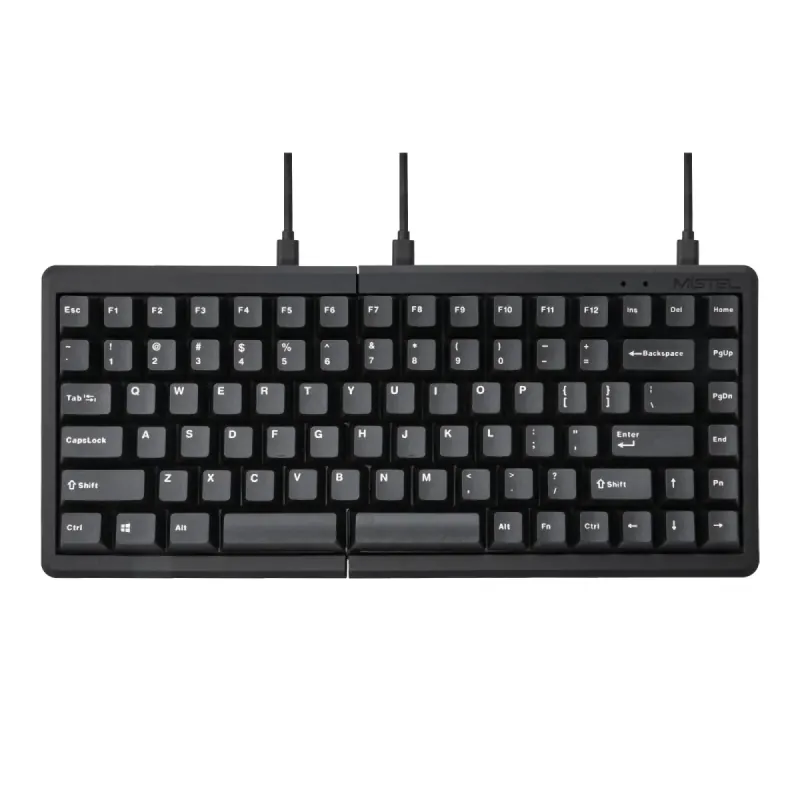
Mistel Barocco MD770 Classic Black/WF

Mistel

5.0

Mistel Barocco MD770 Classic Black/WF

Personal Match Score 82%

Price Range

$ $ $
Check Current Price →
YMDK BORNE Knob Corne4x6

YMDK

4.8

YMDK BORNE Knob Corne4x6

Personal Match Score 81%

Price Range

$ $ $
Check Current Price →
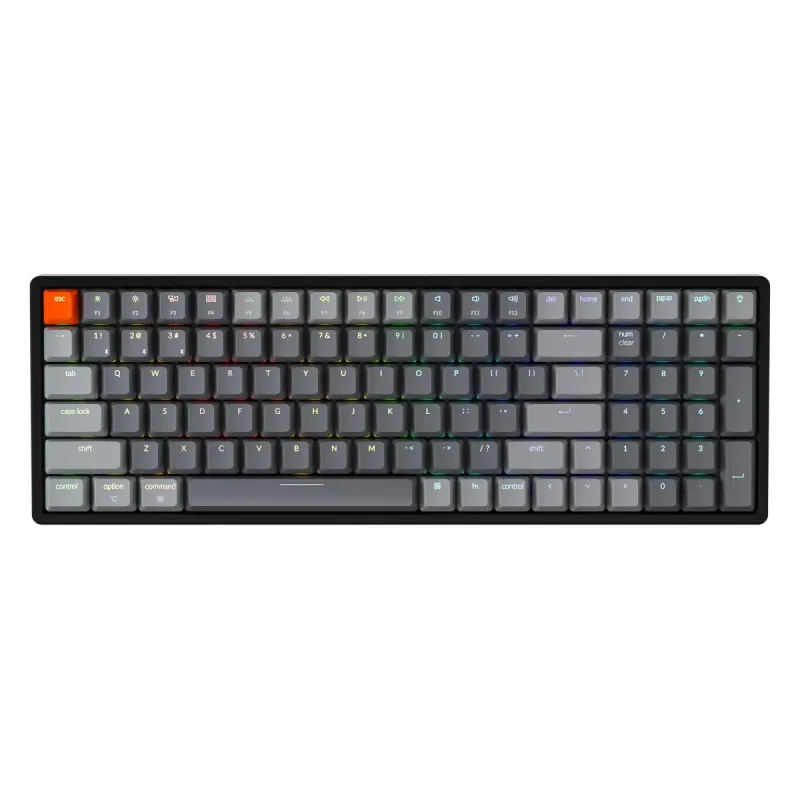
Keychron K2 75% Layout V3

Keychron

4.9

Keychron K2 75% Layout V3

Personal Match Score 80%

Price Range

$ $ $
Check Current Price →
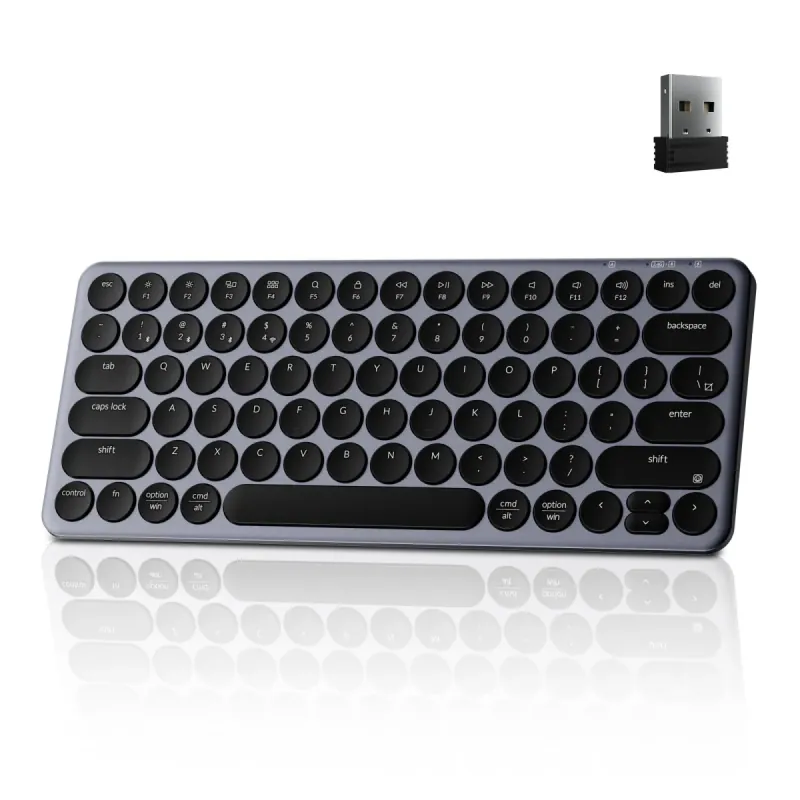
Keychron B3 Pro 75% Ultra-Slim White Keyboard

Keychron

4.7

Keychron B3 Pro 75% Ultra-Slim White Keyboard

Personal Match Score 78%

Price Range

$ $ $
Check Current Price →
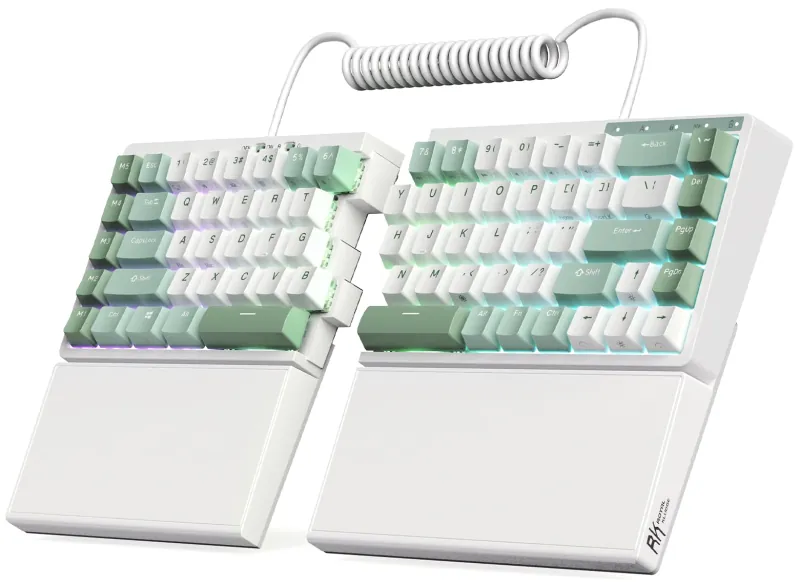
YMDK Split Corne V4.1

YMDK

4.1

YMDK Split Corne V4.1

Personal Match Score 77%

Price Range

$ $ $
Check Current Price →
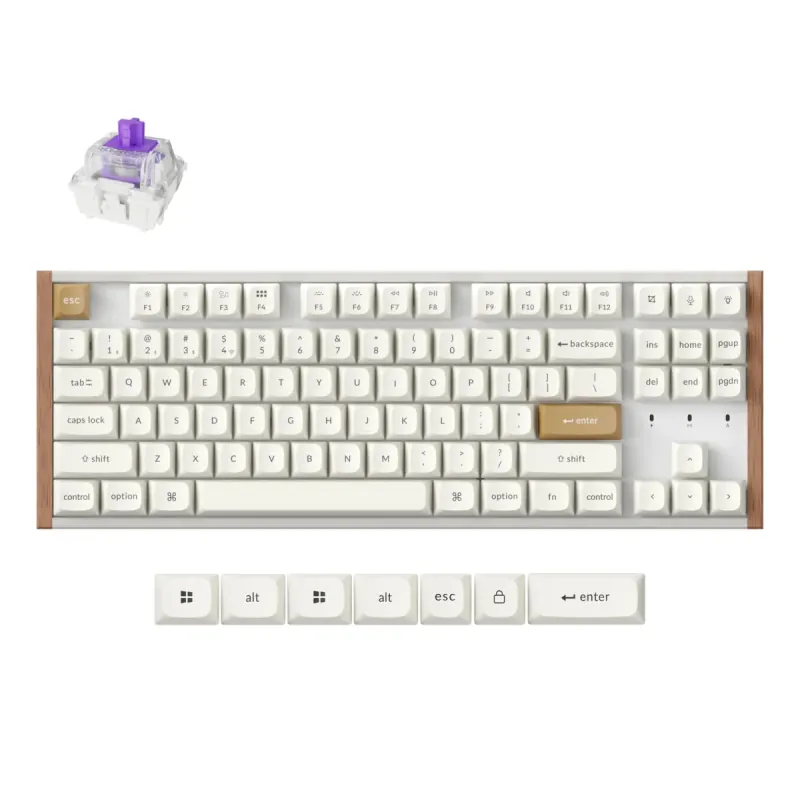
Keychron K8 HE TKL White

Keychron

4.5

Keychron K8 HE TKL White

Personal Match Score 77%

Price Range

$ $ $
Check Current Price →

If you are buying a Productivity & Ergonomic Keyboard for professional office use, you're likely spending over eight hours a day typing and need a tool that enhances comfort and workflow, not hinders it. Your priorities are different from a gamer's or a hobbyist's; you need seamless multitasking, day-long comfort, and a professional, quiet presence. This means focusing on three key areas: Connectivity & Power, Typing Feel & Acoustics, and Ergonomic Adjustability. A keyboard for the office must have a rock-solid wireless connection, preferably with multi-device Bluetooth pairing, to let you switch between your desktop, laptop, and tablet without fumbling with cables. The battery should last weeks, not days, to prevent workflow interruptions.

Equally important is the typing experience. You need a keyboard that feels precise and satisfying for long sessions but remains quiet enough for an open-plan office. This is where switch choice becomes critical. Finally, true ergonomic benefit comes from adjustability. A split design, like that found on the top-ranked Mistel Barocco MD770, allows you to position your hands naturally, reducing shoulder and wrist strain. For those fully committed to preventing repetitive strain injury, advanced features like the tenting and contoured keywells of the Kinesis Advantage360 Professional provide the highest level of support, making the keyboard a long-term investment in your health and productivity.

How We Rank

Our AI rankings for Productivity & Ergonomic Keyboards are generated by analyzing real-world user satisfaction from high-volume Amazon reviews and our own structured feature scoring. We place the heaviest weight on Ergonomic Adjustability, as this is the core purpose of the category, followed closely by Typing Feel & Acoustics. This data-driven approach ensures our recommendations reflect both genuine user experience and critical, hands-on evaluation.

Frequently Asked Questions

For an office professional, the most critical feature is Ergonomic Adjustability, specifically a split design combined with tenting capability. A split keyboard lets you position each half at shoulder-width, straightening your wrists. Tenting, which angles the inner edges of the halves upwards, further reduces forearm pronation. This combination directly combats the root causes of repetitive strain from long hours of typing, making it a more impactful long-term investment for your health than any other single feature.
This is a common misconception. The loudness of a keyboard is determined by its mechanical switches, not its ergonomic shape. Many professional ergonomic keyboards are designed for office use and offer quiet switch options. Look for models with 'tactile' switches like Cherry MX Browns for a satisfying bump with minimal noise, or 'linear silent' switches like Cherry MX Silent Reds, which are specifically engineered to be whisper-quiet. You can achieve superior typing feel and ergonomics without disturbing your colleagues.
There is a learning curve, but its steepness depends on the model. A standard split keyboard like the Keychron Q11 requires minimal adjustment, as it only separates a familiar layout. The main challenge is re-training yourself not to cross your hands over the midline. More advanced contoured keyboards with thumb clusters, like the Kinesis Advantage360, demand a greater time investment of one to three weeks to regain full typing speed. This is a trade-off: a short-term dip in productivity for a significant long-term gain in comfort.
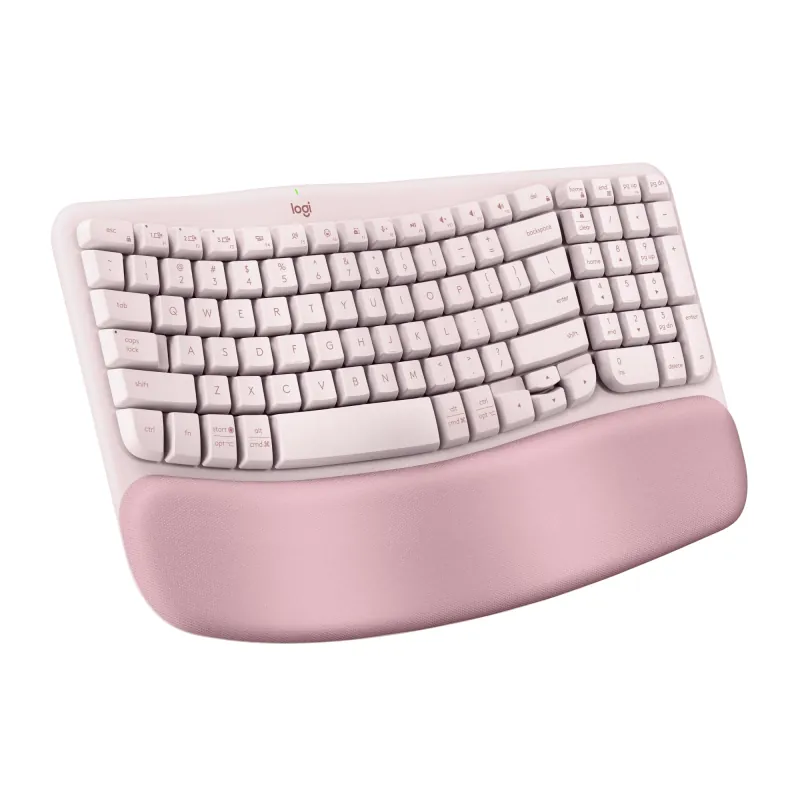
Start with a 'fixed-split' or 'wave' keyboard like the Logitech K350. These models introduce a more natural hand and wrist angle without the steep learning curve of a fully separated keyboard. While they lack the deep adjustability of premium options, they provide a tangible comfort improvement over standard flat keyboards and are an excellent, low-risk entry point into ergonomics.
Yes, if you have persistent wrist or shoulder pain. Premium keyboards justify their cost with true Ergonomic Adjustability, such as independent split halves, variable tenting angles, and negative tilt. You also get superior mechanical switches for a better Typing Feel and robust software for deep Layout Customization. Budget models often just offer a fixed curve and a mushy membrane typing experience.
Not directly for ergonomics, but for typing endurance, yes. The ergonomic benefit comes from the keyboard's physical shape (split, tenting), not the switch type. However, mechanical switches can reduce finger fatigue because they require less force to actuate and provide clearer feedback, which is a significant comfort booster over long typing sessions compared to mushy membrane keys.
For 99% of productivity tasks, no. Modern 2.4 GHz and Bluetooth connections are more than fast enough for typing, coding, and general office work. Unlike competitive gaming where every millisecond counts, you will not perceive any delay from a quality wireless ergonomic keyboard. Prioritize reliable Connectivity and multi-device switching over chasing the lowest possible latency figures.
Look for a tenkeyless (TKL) or 65% split keyboard. These designs eliminate the number pad, drastically reducing the keyboard's Physical Footprint and freeing up significant desk space for your mouse. A split design further helps, as you can position the two halves around other desk items. This smaller footprint allows you to keep your mouse closer, which is a key ergonomic benefit for your shoulder.