✦ Adjust rankings to your needs
Productivity & Ergonomic Keyboards

Best Productivity & Ergonomic Keyboards for Minimalist

Discover the top compact ergonomic keyboards for a clean desk setup. We rank models by their small footprint and reliable wireless performance.
Max price: $479
⭐ Best Match
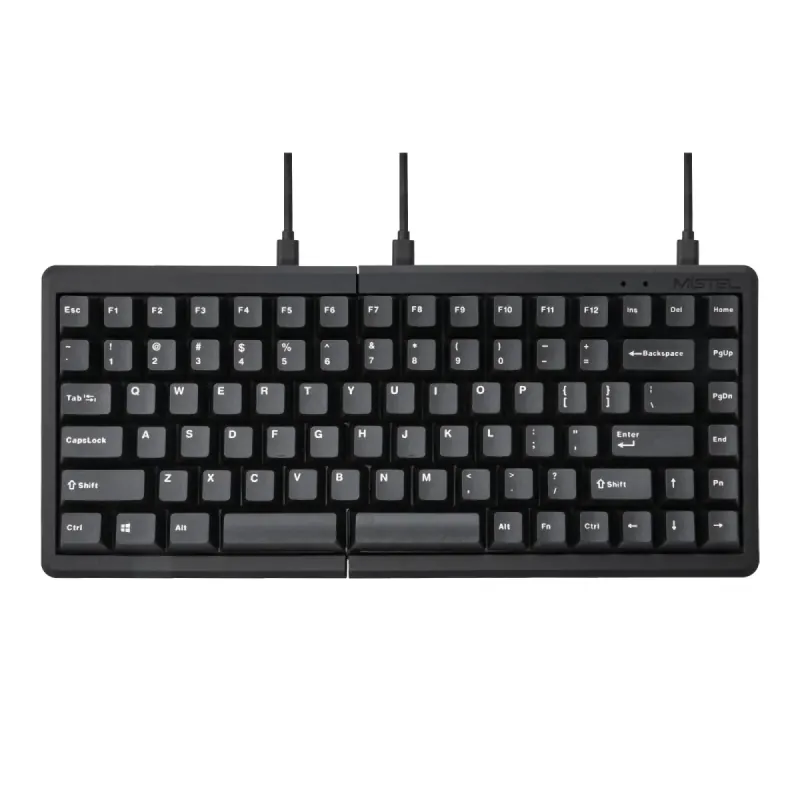
Mistel Barocco MD770 Classic Black/WF

Mistel

★ 5.0

Mistel Barocco MD770 Classic Black/WF

Personal Match Score 82%

Price Range

$ $ $
Check Current Price →
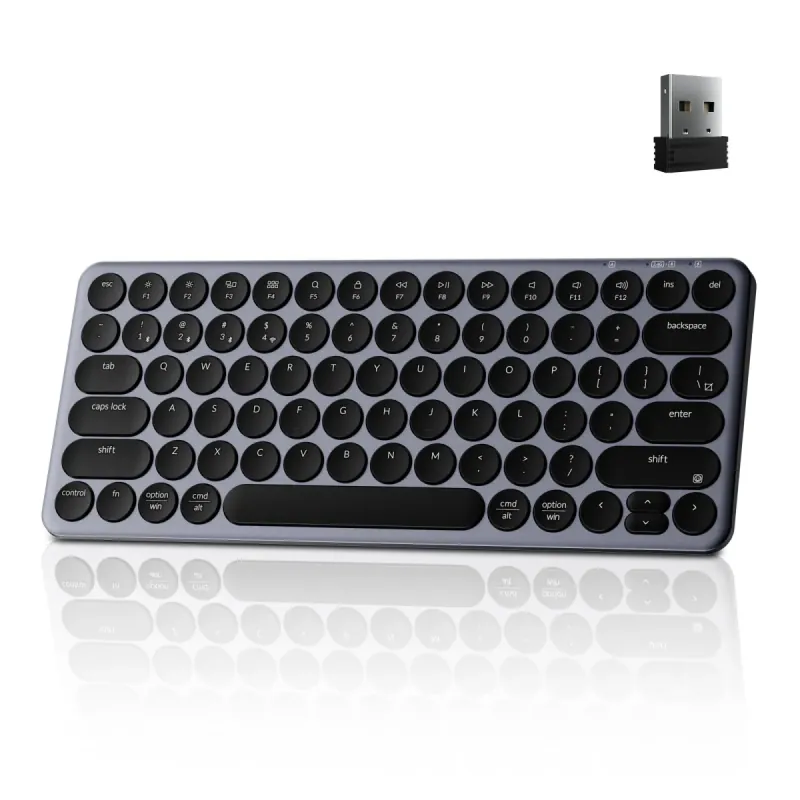
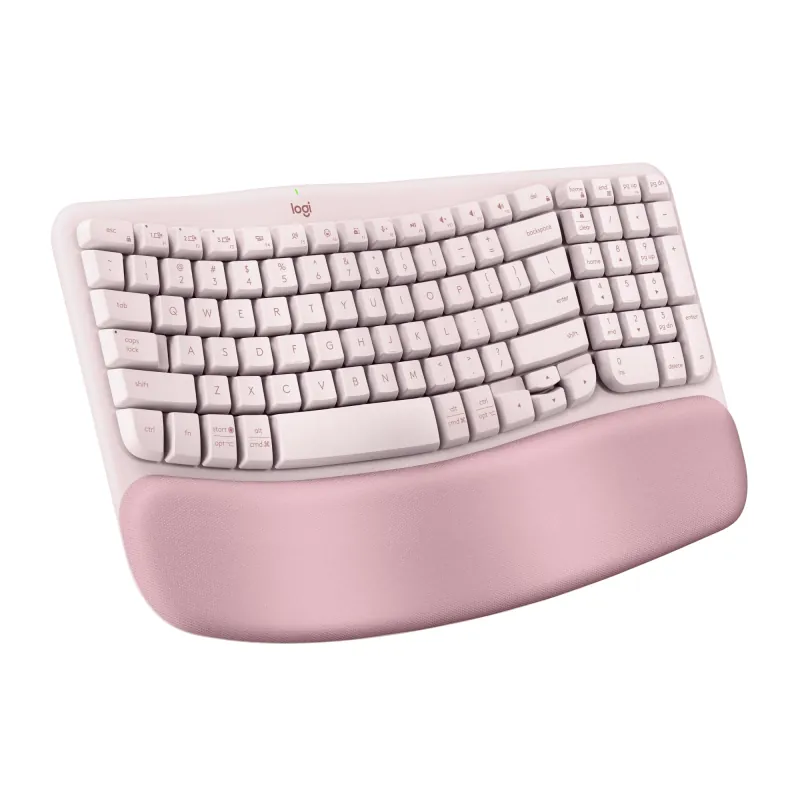
Logitech Wave Keys Rose

Logitech

★ 4.2

Logitech Wave Keys Rose

Personal Match Score 79%

Price Range

$ $ $
Check Current Price →
Keychron B3 Pro 75% Ultra-Slim White Keyboard

Keychron

★ 4.7

Keychron B3 Pro 75% Ultra-Slim White Keyboard

Personal Match Score 78%

Price Range

$ $ $
Check Current Price →
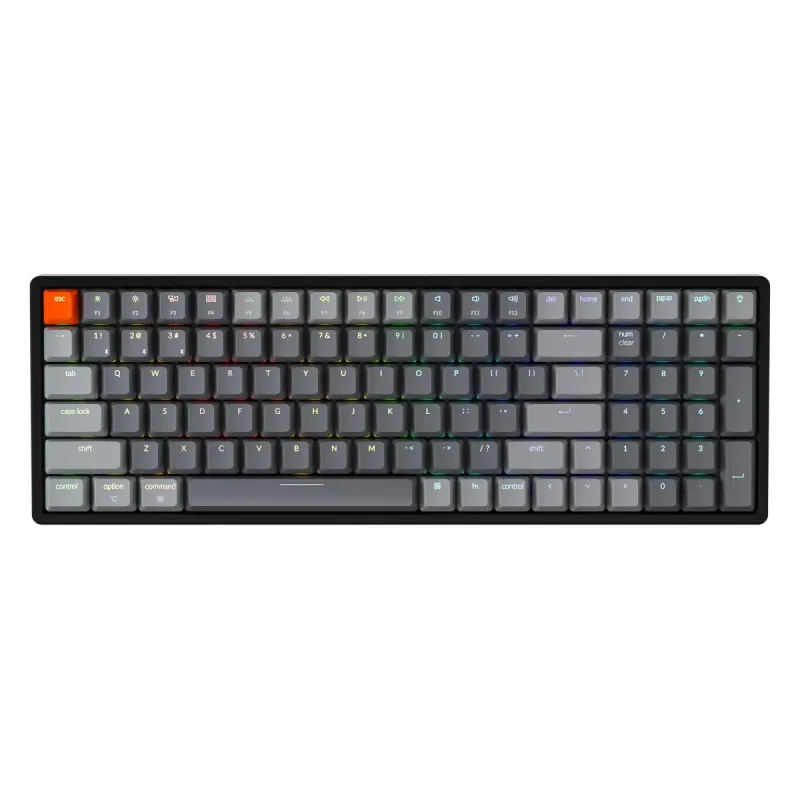
Keychron K4 96% Layout V2

Keychron

★ 4.6

Keychron K4 96% Layout V2

Personal Match Score 77%

Price Range

$ $ $
Check Current Price →
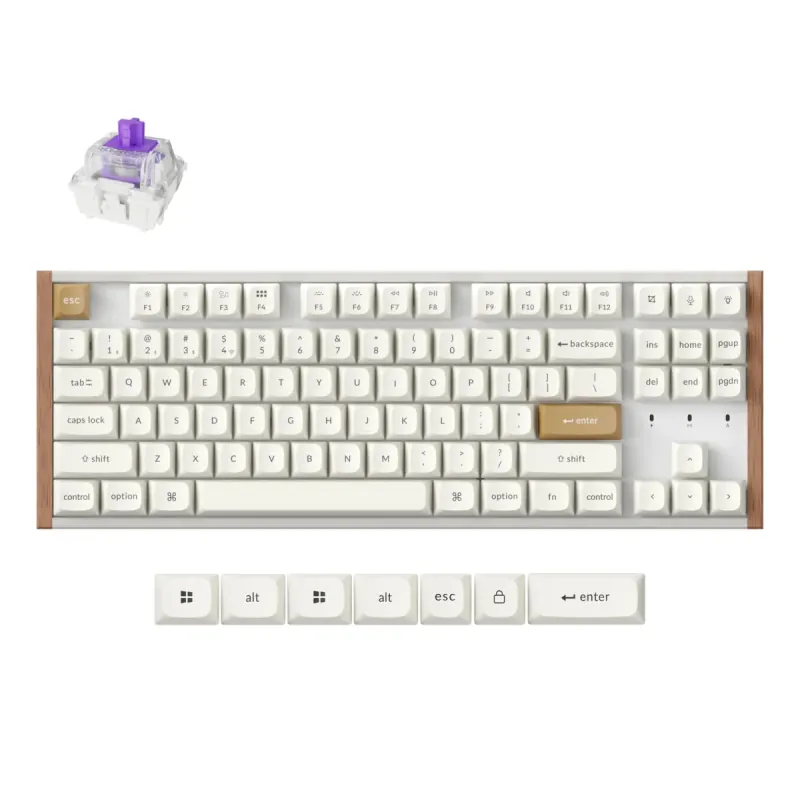
Keychron K8 HE TKL White

Keychron

★ 4.5

Keychron K8 HE TKL White

Personal Match Score 77%

Price Range

$ $ $
Check Current Price →
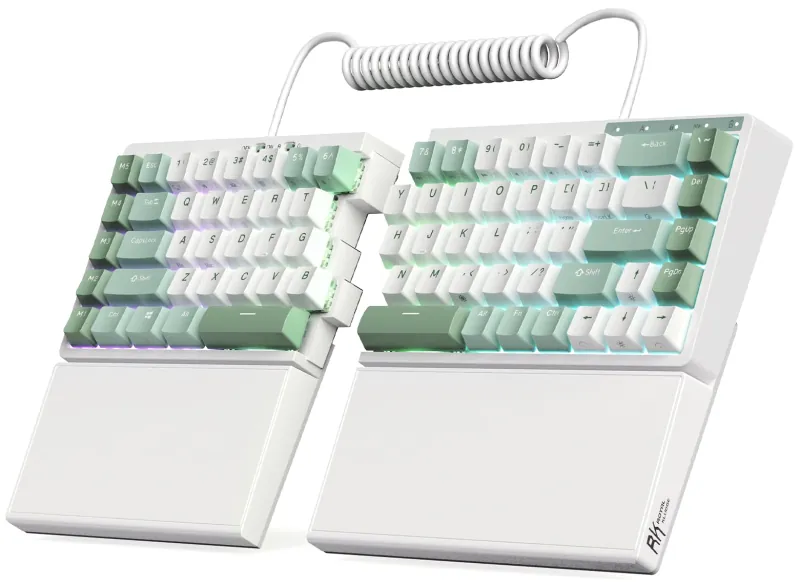
RK ROYAL KLUDGE S70 Ergonomic Split Keyboard

Royal Kludge

★ 4.1

RK ROYAL KLUDGE S70 Ergonomic Split Keyboard

Personal Match Score 77%

Price Range

$ $ $
Check Current Price →

If you are buying a Productivity & Ergonomic Keyboard for a minimalist workspace, your primary goal is to maximize function while eliminating physical and visual clutter. You need a tool that enhances your workflow on a clean desk and is easy to pack up and move. For this reason, we focus on three priority features: **Physical Footprint**, **Connectivity & Power**, and **Ergonomic Adjustability**. Physical Footprint is paramount; compact layouts like Tenkeyless (TKL) or split 65-75% designs reclaim valuable desk real estate by removing the number pad. Next, robust wireless Connectivity & Power is essential for cutting the cord. A reliable 2.4GHz or multi-device Bluetooth connection keeps your desk tidy and your workflow flexible. Finally, Ergonomic Adjustability ensures you can achieve a comfortable typing posture without the bulk of traditional ergonomic boards. Models like the split-design Mistel Barocco MD770 excel here, offering superior shoulder and wrist alignment in a tiny form factor. Meanwhile, the Keychron K8 HE provides a more conventional TKL layout with excellent wireless capabilities, proving that a clean setup doesn't require compromising on core features.

How We Rank

Our AI rankings for Productivity & Ergonomic Keyboards are generated by analyzing real-world user satisfaction from high-volume Amazon reviews and our own structured feature scoring. We place the heaviest weight on Ergonomic Adjustability, as this is the core purpose of the category, followed closely by Typing Feel & Acoustics. This data-driven approach ensures our recommendations reflect both genuine user experience and critical, hands-on evaluation.

Frequently Asked Questions

A Tenkeyless (TKL) keyboard is a safe and popular choice, as it removes the number pad but retains the standard function row and navigation keys. A 75% layout goes a step further, compressing the arrow keys and navigation cluster right next to the main keys to save more width. If you rely heavily on dedicated Home, End, and F-keys, a TKL is a better fit. If every inch of desk space is critical, the more compact 75% layout is the superior minimalist option.
You trade built-in bulk for modular adjustability. While you won't find the large, integrated palm rests of traditional ergonomic keyboards, minimalist options offer superior customization in a smaller package. A split keyboard like the Mistel Barocco MD770 is the prime example; it allows you to position each half perfectly for your shoulder width, which is a more impactful ergonomic adjustment for many people. You gain better posture by losing the one-size-fits-all design.
This is a common misconception. For productivity tasks, modern 2.4GHz and Bluetooth wireless connections are indistinguishable from wired keyboards in terms of performance and reliability. The key benefit is eliminating cable clutter, which is central to a minimalist ethos. Furthermore, multi-device Bluetooth allows you to switch seamlessly between a laptop, tablet, and phone, enhancing your workflow with a single, clean peripheral. Just ensure the model has a long battery life to maintain the cable-free experience.
Start with a 'fixed-split' or 'wave' keyboard like the Logitech K350. These models introduce a more natural hand and wrist angle without the steep learning curve of a fully separated keyboard. While they lack the deep adjustability of premium options, they provide a tangible comfort improvement over standard flat keyboards and are an excellent, low-risk entry point into ergonomics.
Yes, if you have persistent wrist or shoulder pain. Premium keyboards justify their cost with true Ergonomic Adjustability, such as independent split halves, variable tenting angles, and negative tilt. You also get superior mechanical switches for a better Typing Feel and robust software for deep Layout Customization. Budget models often just offer a fixed curve and a mushy membrane typing experience.
Not directly for ergonomics, but for typing endurance, yes. The ergonomic benefit comes from the keyboard's physical shape (split, tenting), not the switch type. However, mechanical switches can reduce finger fatigue because they require less force to actuate and provide clearer feedback, which is a significant comfort booster over long typing sessions compared to mushy membrane keys.
For 99% of productivity tasks, no. Modern 2.4 GHz and Bluetooth connections are more than fast enough for typing, coding, and general office work. Unlike competitive gaming where every millisecond counts, you will not perceive any delay from a quality wireless ergonomic keyboard. Prioritize reliable Connectivity and multi-device switching over chasing the lowest possible latency figures.
Look for a tenkeyless (TKL) or 65% split keyboard. These designs eliminate the number pad, drastically reducing the keyboard's Physical Footprint and freeing up significant desk space for your mouse. A split design further helps, as you can position the two halves around other desk items. This smaller footprint allows you to keep your mouse closer, which is a key ergonomic benefit for your shoulder.