✦ Adjust rankings to your needs
Mechanical Gaming Keyboards

Best Mechanical Gaming Keyboards for Streamer

The best mechanical gaming keyboards for streamers. Balanced for premium typing acoustics, responsive gaming, and software for custom RGB and macros.
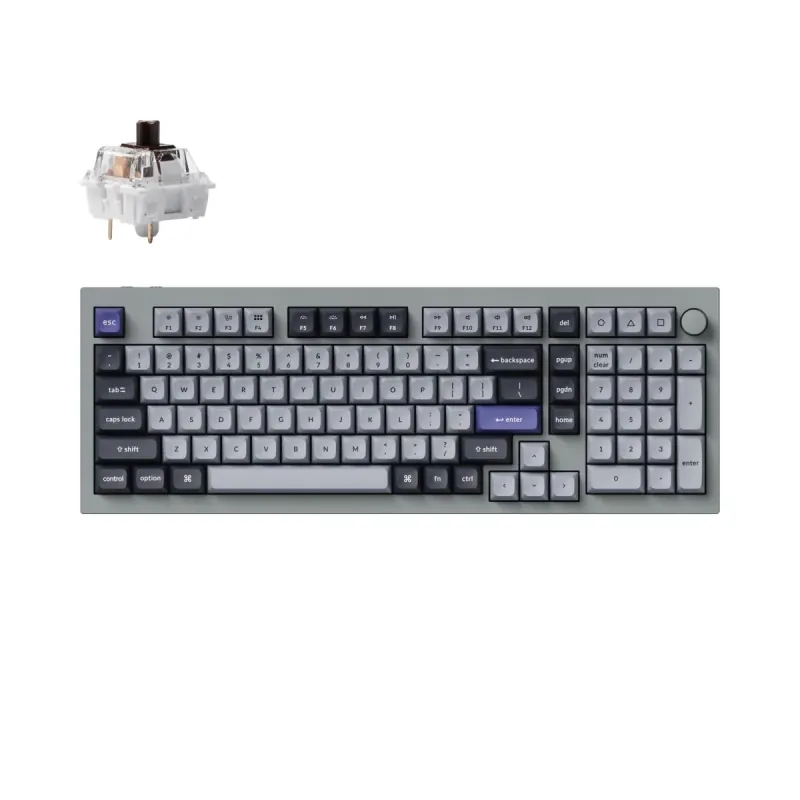
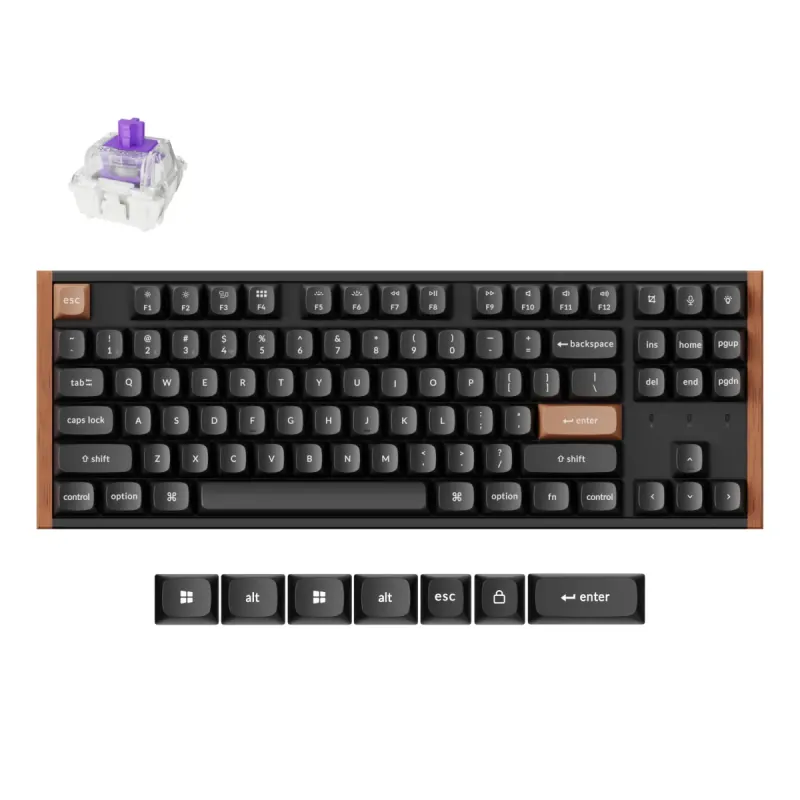
Max price: $424
⭐ Best Match
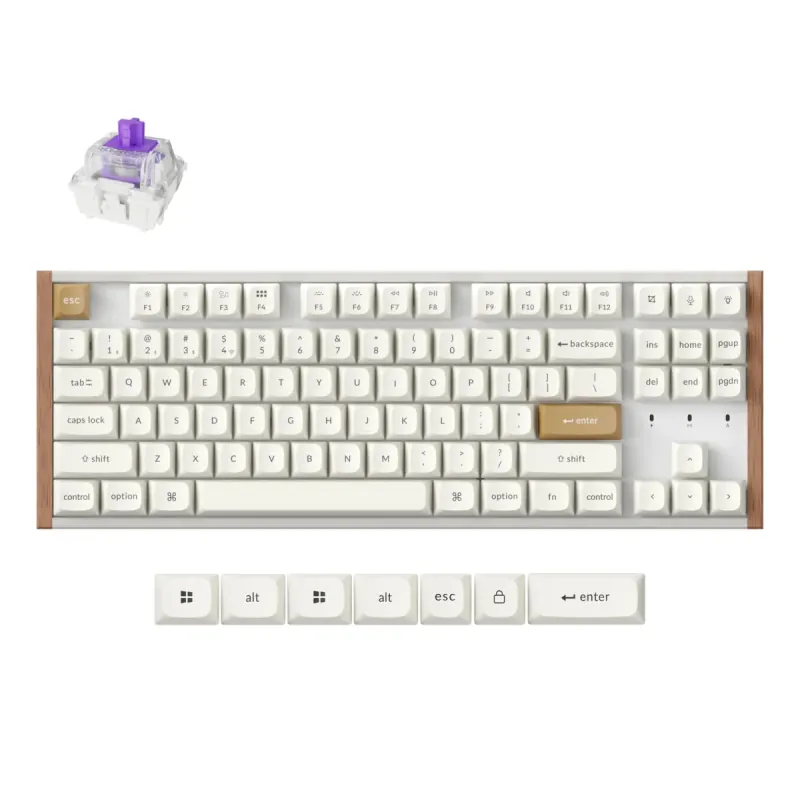
Keychron K8 HE TKL Black

Keychron

4.5

Keychron K8 HE TKL Black

Personal Match Score 82%

Price Range

$ $ $
Check Current Price →
Keychron C3 Pro

Keychron

4.4

Keychron C3 Pro

Personal Match Score 81%

Price Range

$ $ $
Check Current Price →
Keychron K8 HE TKL

Keychron

4.5

Keychron K8 HE TKL

Personal Match Score 81%

Price Range

$ $ $
Check Current Price →
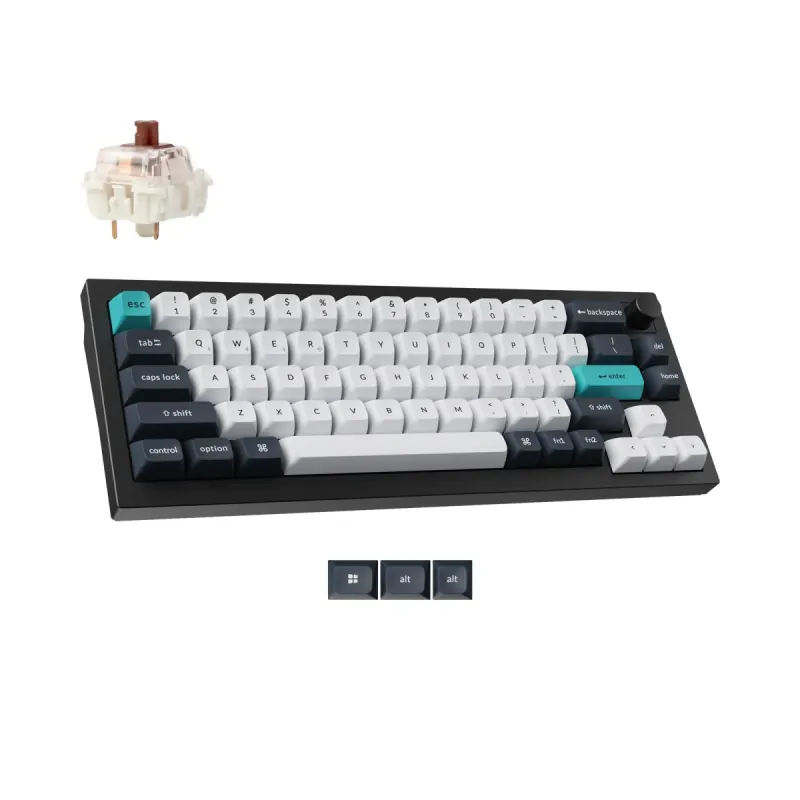
Keychron Q2 Max Wireless Black

Keychron

4.7

Keychron Q2 Max Wireless Black

Personal Match Score 79%

Price Range

$ $ $
Check Current Price →
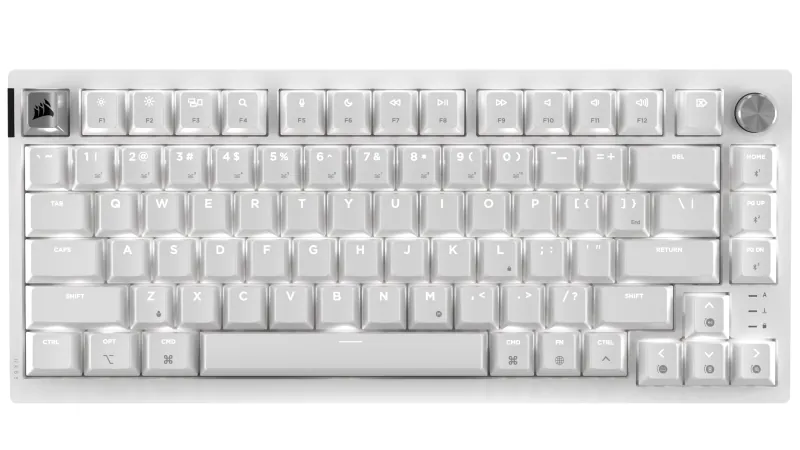
ASUS ROG Falchion RX Low Profile White

ASUS ROG

4.7

ASUS ROG Falchion RX Low Profile White

Personal Match Score 79%

Price Range

$ $ $
Check Current Price →
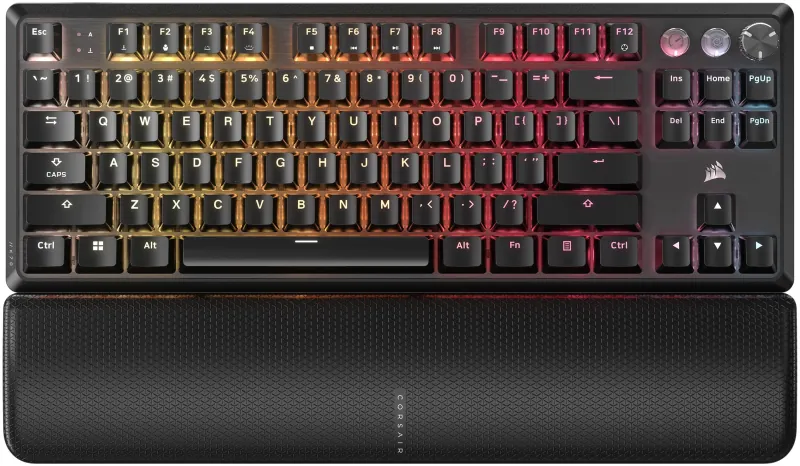
Razer BlackWidow V4 Low Profile TKL HyperSpeed Wireless

Razer

4.0

Razer BlackWidow V4 Low Profile TKL HyperSpeed Wireless

Personal Match Score 79%

Price Range

$ $ $
Check Current Price →

If you are buying a Mechanical Gaming Keyboard for streaming, you're choosing more than just a gaming peripheral—you're selecting a piece of production equipment. Your keyboard is constantly on camera and on mic, making its appearance and sound a core part of your personal brand. That's why our 'Streamer' preset focuses on the three features that matter most: Typing Feel & Acoustics, Software & Customization, and Gaming Responsiveness. The sound profile is critical; a deep, satisfying 'thock' can become a beloved part of your stream's ASMR, while a high-pitched, rattly clack can drive viewers away. Deep Software & Customization is also non-negotiable for managing a live broadcast. You need the ability to program complex macros to switch scenes in OBS, trigger sound alerts, or launch applications with a single key press. Keyboards with QMK/VIA support, like the top-ranked Keychron Q2 Max, excel here. Of course, when the stream is live and you're in a competitive match, you still need the elite Gaming Responsiveness of a top-tier keyboard. This preset identifies the models that perfectly balance the demands of high-level gaming with the production quality of a professional broadcasting tool.

How We Rank

Our rankings for mechanical gaming keyboards are generated by an AI that analyzes real-world Amazon review volume alongside a structured scoring system. For this category, we place the heaviest weight on Gaming Responsiveness and Typing Feel & Acoustics, as these define the core performance and user experience. Build Quality & Durability is also a critical factor in our final, data-driven recommendations.

Frequently Asked Questions

The best keyboard sound for your stream is a deep, clean 'thock' rather than a high-pitched 'clack.' This is achieved through the keyboard's internal construction, like a gasket mount and layers of sound-dampening foam, which absorb unwanted vibrations. For switches, pre-lubed linear or tactile options are ideal as they provide a smooth, satisfying sound without the sharp, distracting noise of clicky switches that can dominate your audio and annoy viewers.
Not necessarily. While a full-size keyboard provides dedicated macro keys, many streamers prefer smaller 75% or TKL layouts to gain more mouse space. The trade-off is managed with powerful software like QMK/VIA, which allows you to program layers and complex macros onto any key. This means a compact keyboard can have even more functionality than a standard full-size board, giving you full stream control without cluttering your desk.
Not always. While 'gaming' brands focus on speed, many streamers find that keyboards from the 'custom' or 'enthusiast' scene are a better fit. These boards prioritize premium build quality, superior typing feel, and better acoustics—all crucial when your keyboard is on mic. They also feature powerful, open-source software like QMK/VIA for customization, which is often more flexible for creating stream-specific macros than proprietary gaming software.
For a first mechanical keyboard, look for a model with hot-swappable switches, like the Redragon K552P. This feature lets you easily pull out and replace the switches without any soldering. It's the perfect way to experiment with different switch types (linear, tactile, clicky) to discover your preference without having to buy a whole new keyboard.
Yes, if you value premium materials, better wireless performance, and more polished software. Budget boards like the Redragon K556 offer fantastic core functionality, but premium models like the Logitech G515 TKL provide a more refined experience with more consistent switches, sturdier aluminum frames, and significantly better battery life and wireless stability.
For the vast majority of gamers, a polling rate above the standard 1000Hz is not important. While an 8000Hz polling rate technically sends data to your PC eight times more frequently, the real-world reduction in latency is measured in fractions of a millisecond and is imperceptible. Focus on switch type and overall build quality instead of chasing marketing numbers.
Most gamers benefit from a TKL or smaller layout. By removing the number pad, TKL keyboards like the Logitech G515 TKL free up significant desk space, allowing for wider, more comfortable mouse movements. Unless you frequently use the number pad for work or specific sims, the ergonomic advantage of a TKL board is a clear winner for gaming.
Tactile switches (often called 'Browns') are the best all-around choice for a hybrid of gaming and typing. They provide a small, noticeable bump on actuation, which improves typing accuracy without the loud noise of clicky 'Blue' switches. They are still smooth and responsive enough for fast-paced gaming, making them a perfect jack-of-all-trades option.