✦ Adjust rankings to your needs
Mechanical Gaming Keyboards

Best Mechanical Gaming Keyboards for Hobbyist

Explore the best mechanical gaming keyboards for customization. Ranked for build quality, hot-swap sockets, and a superior typing feel and sound.
Max price: $424
⭐ Best Match
Keychron K8 HE TKL Black

Keychron

4.5

Keychron K8 HE TKL Black

Personal Match Score 82%

Price Range

$ $ $
Check Current Price →
Keychron C3 Pro

Keychron

4.4

Keychron C3 Pro

Personal Match Score 81%

Price Range

$ $ $
Check Current Price →
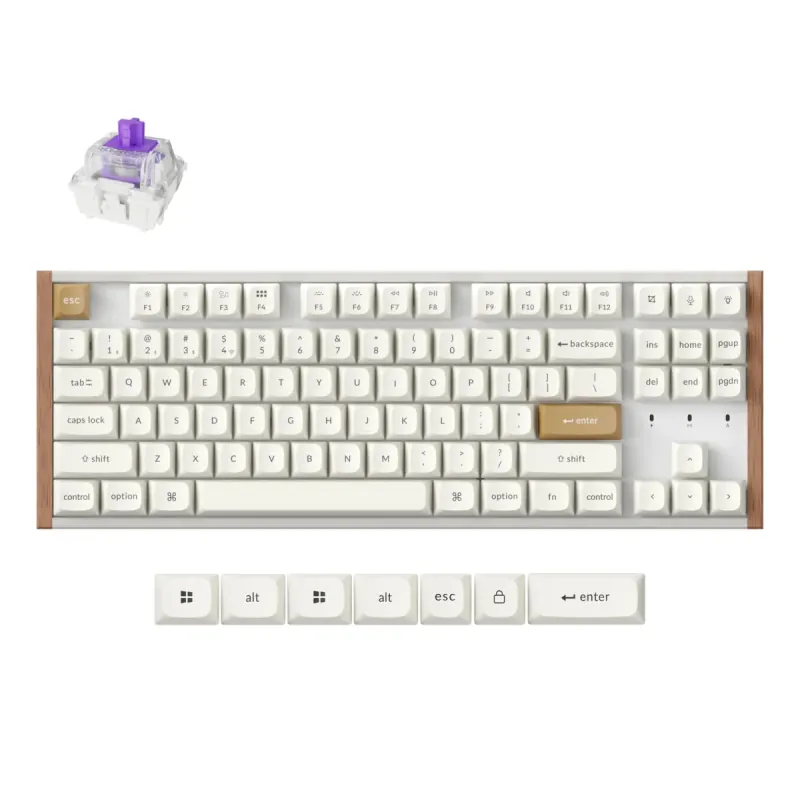
Keychron K8 HE TKL

Keychron

4.5

Keychron K8 HE TKL

Personal Match Score 81%

Price Range

$ $ $
Check Current Price →
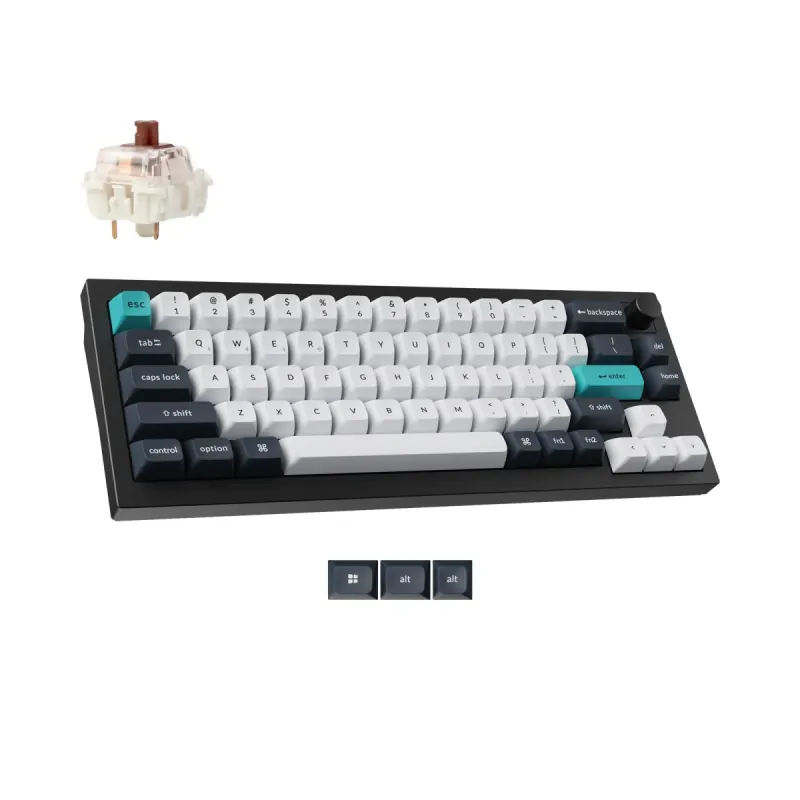
Keychron Q2 Max Wireless Black

Keychron

4.7

Keychron Q2 Max Wireless Black

Personal Match Score 79%

Price Range

$ $ $
Check Current Price →
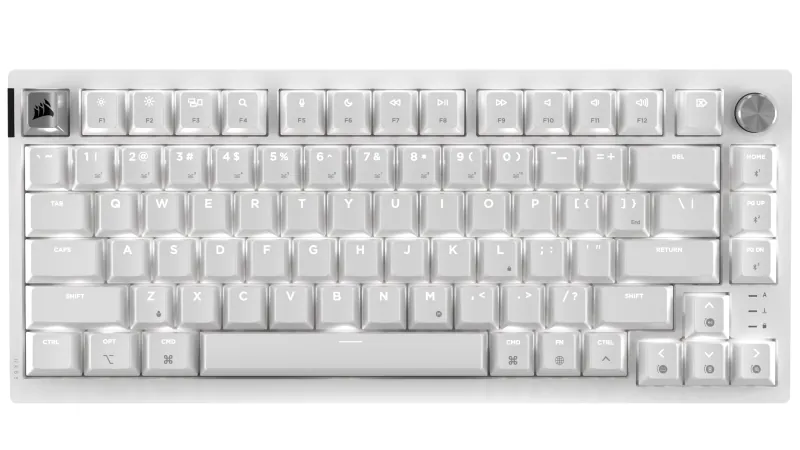
ASUS ROG Falchion RX Low Profile White

ASUS ROG

4.7

ASUS ROG Falchion RX Low Profile White

Personal Match Score 79%

Price Range

$ $ $
Check Current Price →
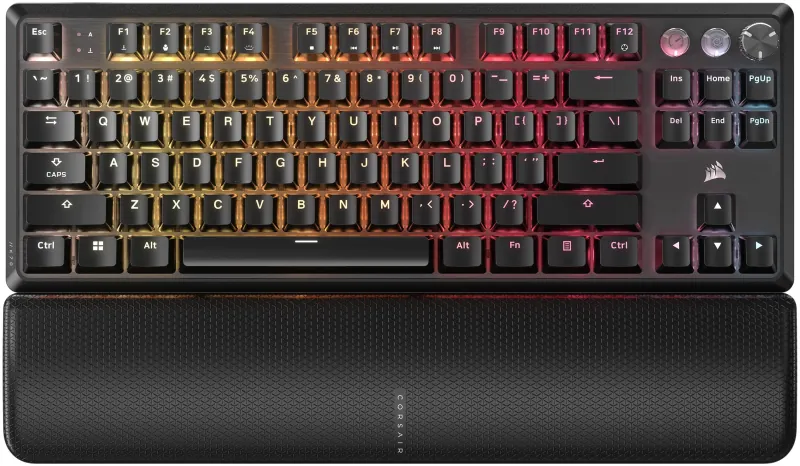
Razer BlackWidow V4 Low Profile TKL HyperSpeed Wireless

Razer

4.0

Razer BlackWidow V4 Low Profile TKL HyperSpeed Wireless

Personal Match Score 79%

Price Range

$ $ $
Check Current Price →

If you are buying a mechanical keyboard as a hobbyist, you've moved beyond basic peripherals and are looking for a platform to build upon. You're not just purchasing a tool for typing or gaming; you're investing in a project that you can modify and make your own. For this specific use-case, we prioritize three core pillars: Build Quality & Durability, Typing Feel & Acoustics, and Software & Customization. A heavy, CNC-machined aluminum case, like the one found on our top pick, the Keychron Q2 Max, provides a rigid, premium foundation that eliminates chassis flex and dramatically improves the keyboard's sound profile. This robust construction is essential because you'll likely be opening the board up to experiment with modifications.

The out-of-the-box experience matters, but so does the potential for tinkering. That's why we look for features like gasket-mounted plates, multiple layers of sound-dampening foam, and hot-swappable sockets that let you change switches without soldering. Finally, powerful, open-source firmware is non-negotiable. Support for QMK and VIA allows for deep, hardware-level key remapping and macro creation, freeing you from bloated, proprietary software. These keyboards are the perfect starting point for a deep dive into the world of custom mechanicals.

How We Rank

Our rankings for mechanical gaming keyboards are generated by an AI that analyzes real-world Amazon review volume alongside a structured scoring system. For this category, we place the heaviest weight on Gaming Responsiveness and Typing Feel & Acoustics, as these define the core performance and user experience. Build Quality & Durability is also a critical factor in our final, data-driven recommendations.

Frequently Asked Questions

Both are critical, but they serve different aspects of the hobby. Hot-swap sockets allow you to easily experiment with the physical feel and sound of your keyboard by changing switches without soldering. QMK/VIA support provides deep firmware customization, letting you remap layouts and create powerful macros that are saved directly to the board. A true hobbyist platform excels by offering both, giving you complete control over the hardware and the software experience.
Often, yes. Hobbyist-grade keyboards prioritize premium materials, acoustics, and a satisfying typing feel over gaming-specific features. You may trade the absolute lowest wireless latency or dedicated software-driven RGB effects for a solid aluminum build and a gasket-mount design. While perfectly capable for gaming, these boards are not designed to compete with esports-focused peripherals on features like polling rates, but offer a vastly superior daily user experience.
For a hobbyist, an aluminum case is generally a superior starting point. It provides significant heft and rigidity, which eliminates flex and creates a more consistent, premium-sounding typing experience. While some high-quality plastic boards exist, the metal chassis is a key component for modification, as it provides a solid acoustic foundation to build upon with different switches, plates, and foam. It's less about simple durability and more about its contribution to the overall sound and feel.
For a first mechanical keyboard, look for a model with hot-swappable switches, like the Redragon K552P. This feature lets you easily pull out and replace the switches without any soldering. It's the perfect way to experiment with different switch types (linear, tactile, clicky) to discover your preference without having to buy a whole new keyboard.
Yes, if you value premium materials, better wireless performance, and more polished software. Budget boards like the Redragon K556 offer fantastic core functionality, but premium models like the Logitech G515 TKL provide a more refined experience with more consistent switches, sturdier aluminum frames, and significantly better battery life and wireless stability.
For the vast majority of gamers, a polling rate above the standard 1000Hz is not important. While an 8000Hz polling rate technically sends data to your PC eight times more frequently, the real-world reduction in latency is measured in fractions of a millisecond and is imperceptible. Focus on switch type and overall build quality instead of chasing marketing numbers.
Most gamers benefit from a TKL or smaller layout. By removing the number pad, TKL keyboards like the Logitech G515 TKL free up significant desk space, allowing for wider, more comfortable mouse movements. Unless you frequently use the number pad for work or specific sims, the ergonomic advantage of a TKL board is a clear winner for gaming.
Tactile switches (often called 'Browns') are the best all-around choice for a hybrid of gaming and typing. They provide a small, noticeable bump on actuation, which improves typing accuracy without the loud noise of clicky 'Blue' switches. They are still smooth and responsive enough for fast-paced gaming, making them a perfect jack-of-all-trades option.