✦ Adjust rankings to your needs
Productivity & Ergonomic Keyboards
Productivity & Ergonomic Keyboards
Max price: $479
⭐ Best Match
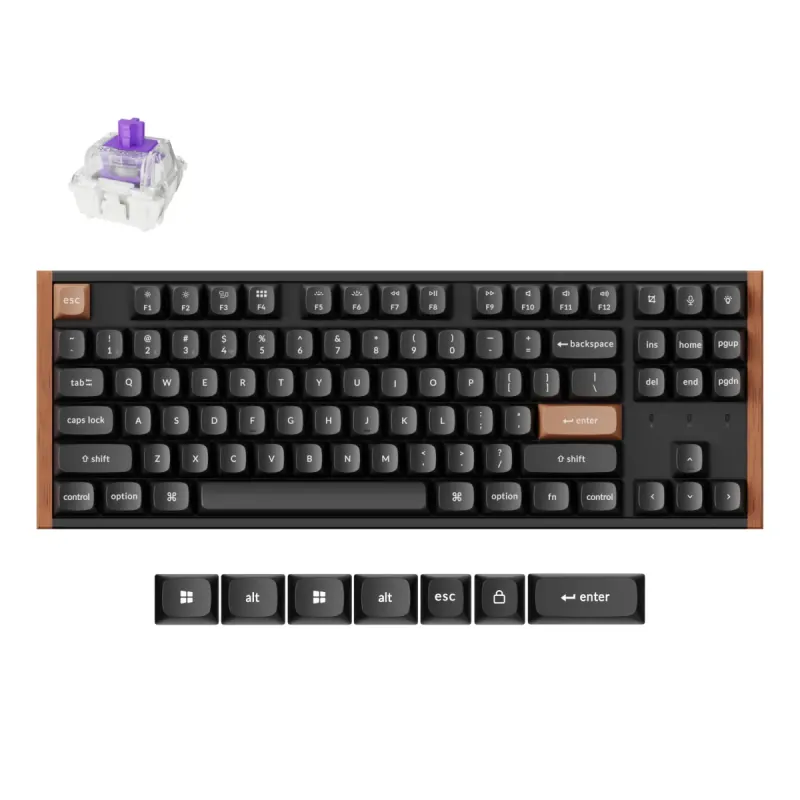
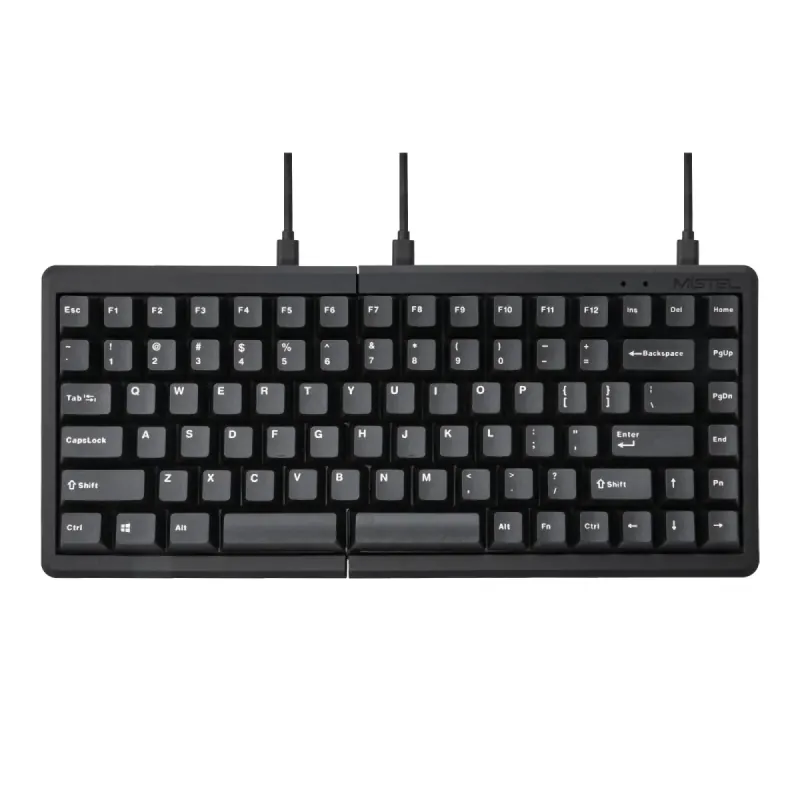
Mistel Barocco MD770 Classic Black/WF

Mistel

5.0

Mistel Barocco MD770 Classic Black/WF

Personal Match Score 82%

Price Range

$ $ $
Check Current Price →
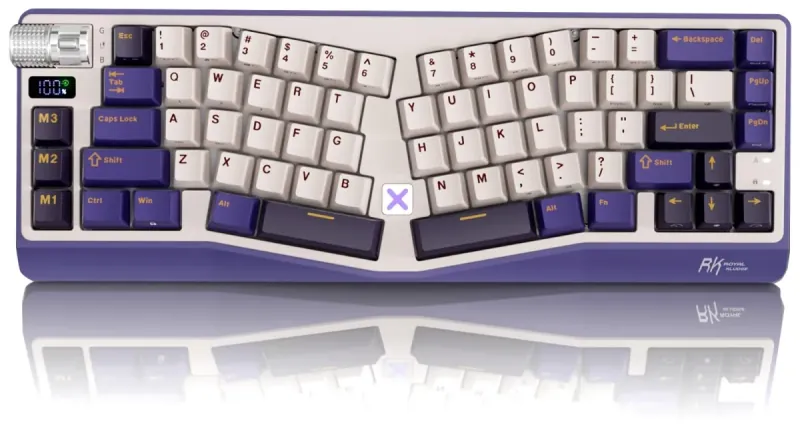
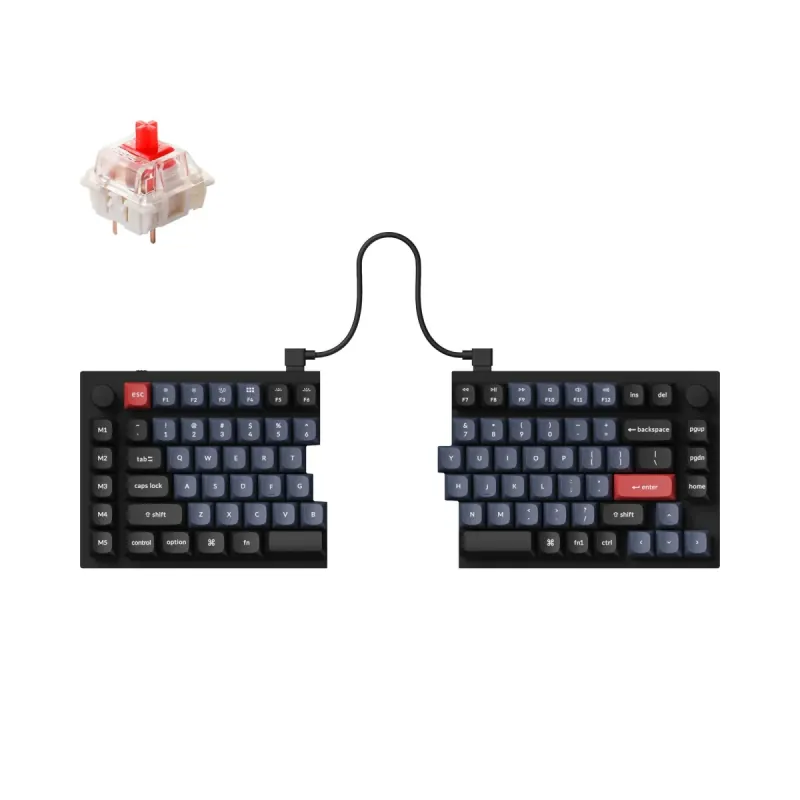
Keychron Q11 Split Ergonomic Keyboard

Keychron

4.5

Keychron Q11 Split Ergonomic Keyboard

Personal Match Score 79%

Price Range

$ $ $
Check Current Price →
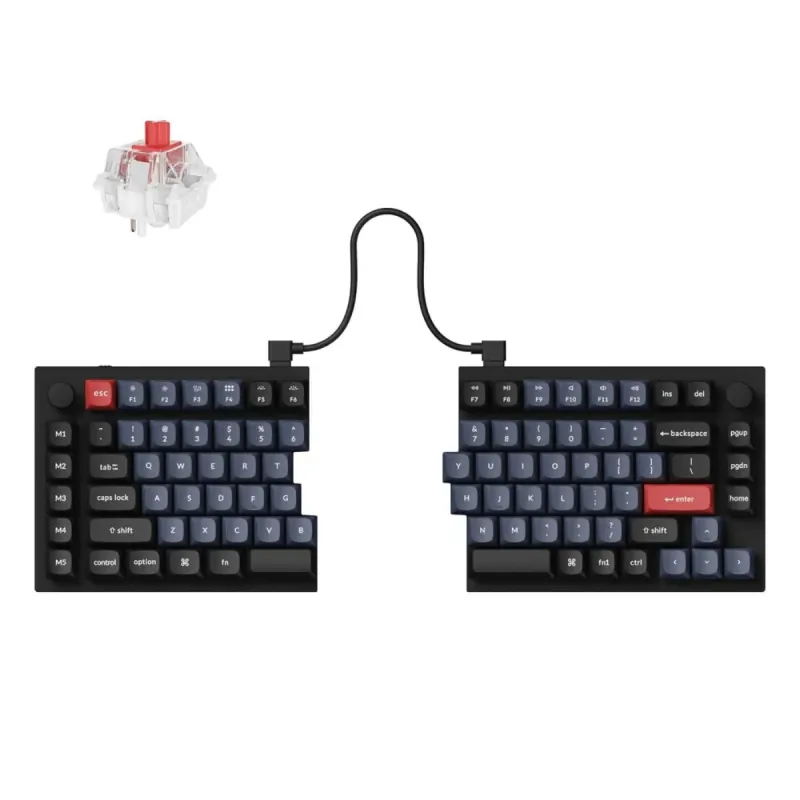
Keychron Q11 QMK/VIA TKL Split Keyboard Ergonomic

Keychron

4.5

Keychron Q11 QMK/VIA TKL Split Keyboard Ergonomic

Personal Match Score 79%

Price Range

$ $ $
Check Current Price →
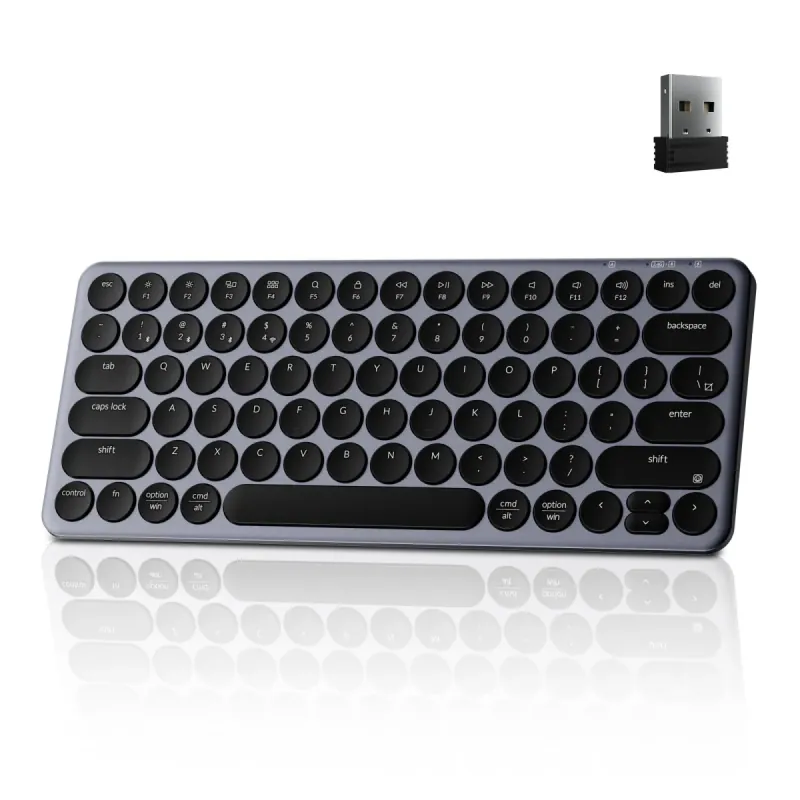
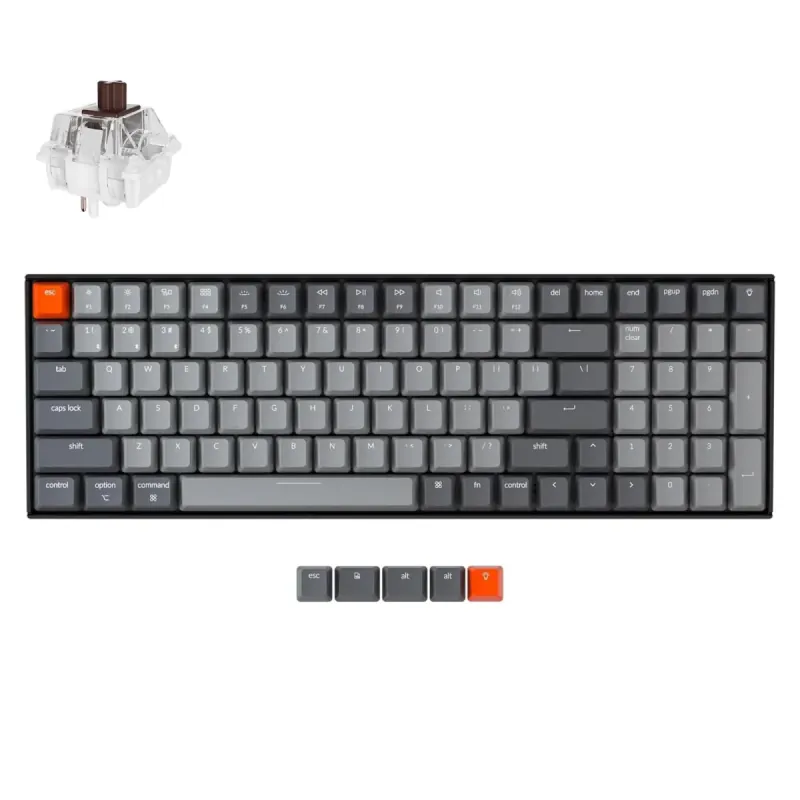
Keychron K8 HE TKL Hall Effect Keyboard - Black

Keychron

4.5

Keychron K8 HE TKL Hall Effect Keyboard - Black

Personal Match Score 78%

Price Range

$ $ $
Check Current Price →
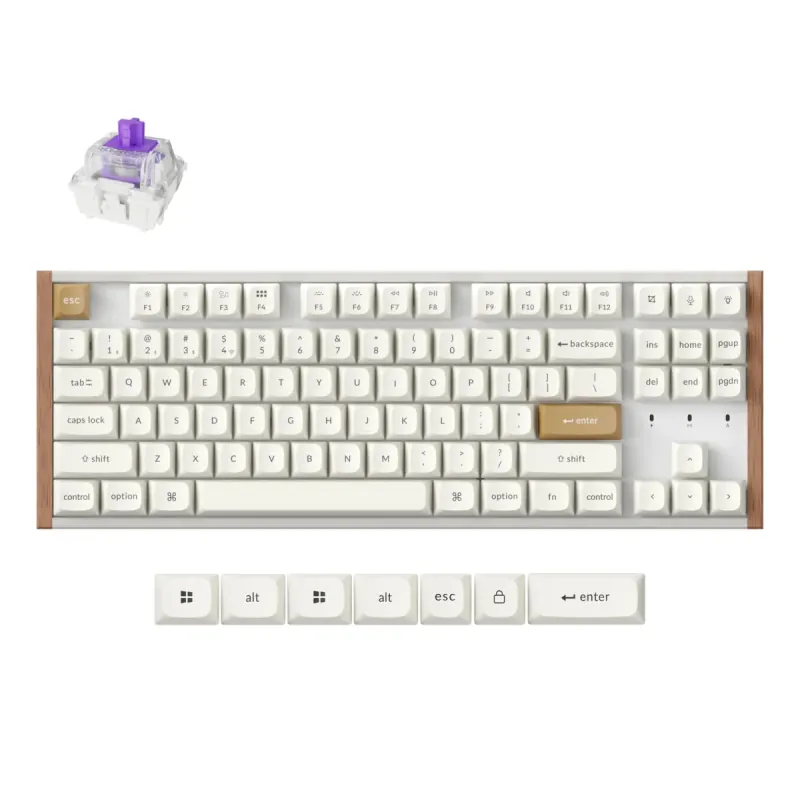
Keychron B3 Pro 75% Ultra-Slim White Keyboard

Keychron

4.7

Keychron B3 Pro 75% Ultra-Slim White Keyboard

Personal Match Score 78%

Price Range

$ $ $
Check Current Price →
Keychron K8 HE TKL White

Keychron

4.5

Keychron K8 HE TKL White

Personal Match Score 77%

Price Range

$ $ $
Check Current Price →

If you spend your day typing, a standard keyboard can be a source of chronic discomfort. Productivity & Ergonomic Keyboards are designed to combat this, fitting your body instead of forcing you to fit the keyboard. The best models offer true adjustability like split designs and tenting angles to align your wrists and shoulders naturally, paired with a satisfying typing feel that reduces finger fatigue. However, the market is filled with 'ergo-lite' options that offer little more than a slight curve. Our AI-powered comparison analyzes thousands of reviews and key specifications, helping you distinguish genuine ergonomic solutions from basic office keyboards. We rank products based on the features that matter most—from adjustability for pain relief to customization for power users—so you can find the right tool for your desk.
How We Rank

Our AI rankings for Productivity & Ergonomic Keyboards are generated by analyzing real-world user satisfaction from high-volume Amazon reviews and our own structured feature scoring. We place the heaviest weight on Ergonomic Adjustability, as this is the core purpose of the category, followed closely by Typing Feel & Acoustics. This data-driven approach ensures our recommendations reflect both genuine user experience and critical, hands-on evaluation.

Frequently Asked Questions

Start with a 'fixed-split' or 'wave' keyboard like the Logitech K350. These models introduce a more natural hand and wrist angle without the steep learning curve of a fully separated keyboard. While they lack the deep adjustability of premium options, they provide a tangible comfort improvement over standard flat keyboards and are an excellent, low-risk entry point into ergonomics.
Yes, if you have persistent wrist or shoulder pain. Premium keyboards justify their cost with true Ergonomic Adjustability, such as independent split halves, variable tenting angles, and negative tilt. You also get superior mechanical switches for a better Typing Feel and robust software for deep Layout Customization. Budget models often just offer a fixed curve and a mushy membrane typing experience.
Not directly for ergonomics, but for typing endurance, yes. The ergonomic benefit comes from the keyboard's physical shape (split, tenting), not the switch type. However, mechanical switches can reduce finger fatigue because they require less force to actuate and provide clearer feedback, which is a significant comfort booster over long typing sessions compared to mushy membrane keys.
For 99% of productivity tasks, no. Modern 2.4 GHz and Bluetooth connections are more than fast enough for typing, coding, and general office work. Unlike competitive gaming where every millisecond counts, you will not perceive any delay from a quality wireless ergonomic keyboard. Prioritize reliable Connectivity and multi-device switching over chasing the lowest possible latency figures.
Look for a tenkeyless (TKL) or 65% split keyboard. These designs eliminate the number pad, drastically reducing the keyboard's Physical Footprint and freeing up significant desk space for your mouse. A split design further helps, as you can position the two halves around other desk items. This smaller footprint allows you to keep your mouse closer, which is a key ergonomic benefit for your shoulder.